Built-in rendering
Leave S3Space3D.RenderProgram empty to render with the built-in shader (glome_standard.glsl), configured through S3Space3D.Environment.
Shading modes
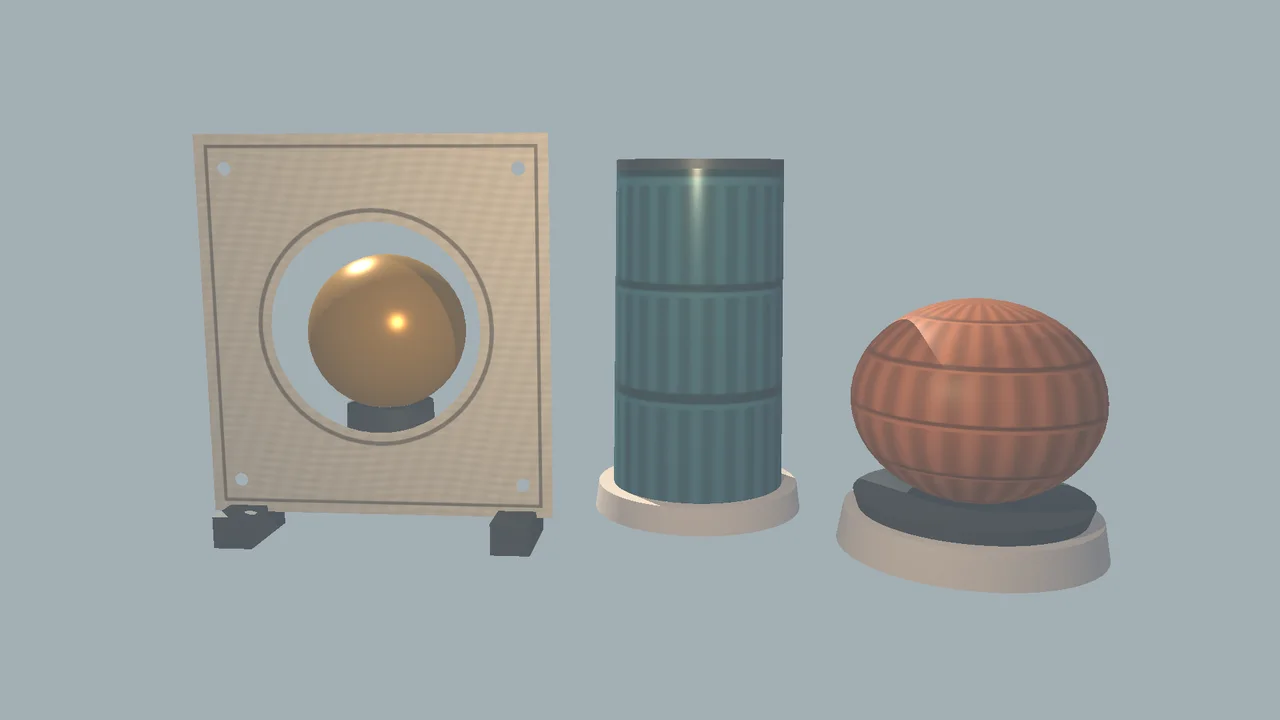
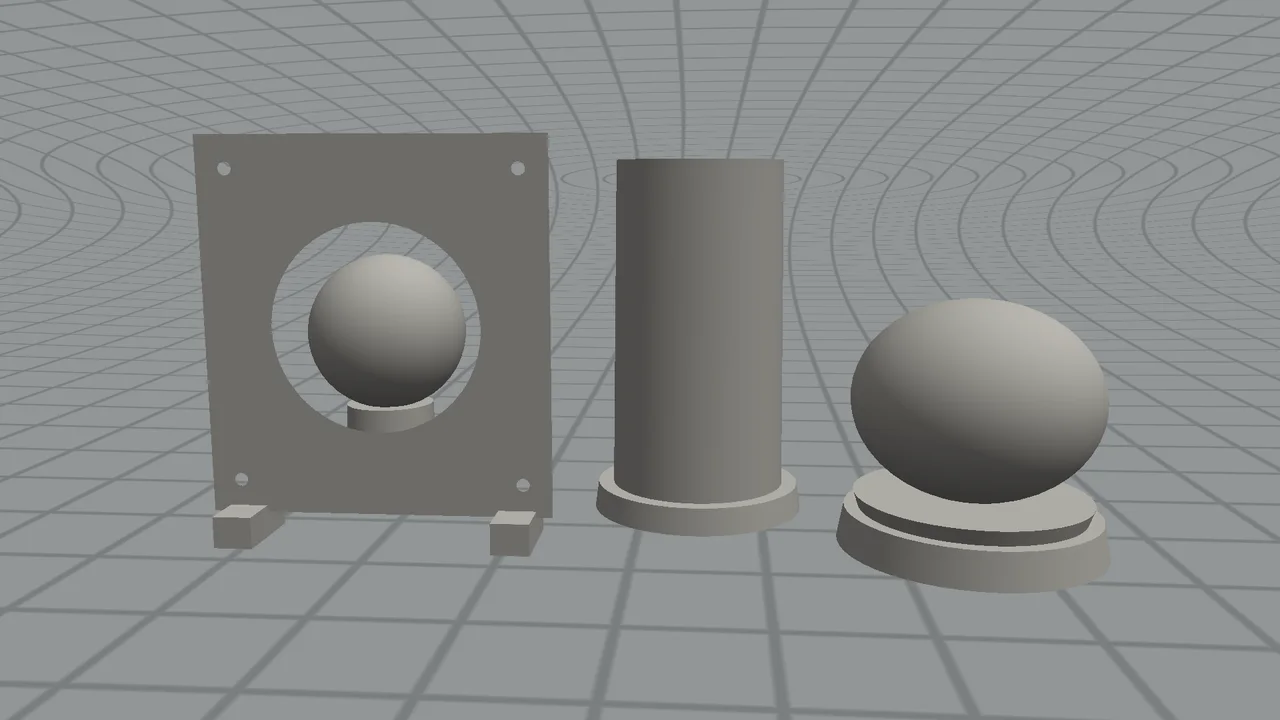
Section titled “Shading modes”StandardLit: diffuse + GGX specular + height-correlated Smith visibility + Schlick Fresnel, geodesic shadows, emission, and exponential geodesic fog where is the ray’s actual traveled angle.Unlit: samples albedo + emission + geodesic fog without evaluating scene lights. Useful for inspecting textures, UVs, and cutouts.ClayClean: neutral normal-shaded clay preview over a subtle 1 m ground grid, bypassing authored colors, lights, and fog.
Environment settings
Section titled “Environment settings”Configure BackgroundColor, AmbientColor, AmbientEnergy, FogColor, FogDensity, ShadingMode, EquatorialGroundEnabled, and GroundMaterial on S3Space3D.Environment (full defaults in S3Environment reference). Changing S3Environment properties at runtime takes effect after a rebake, or immediately via GlomeComputeRenderer.UpdateEnvironment in a custom host.
Equatorial ground grid and floorless mode
Section titled “Equatorial ground grid and floorless mode”When GroundMaterial has no albedo texture, StandardLit and Unlit draw a procedural geodesic grid using signed great-circle coordinates and : fine lines every 1 m, major lines every 5 m, tinted axis lines, a warm ring at the origin, and a cool ring at the antipode.
Assign an albedo texture to replace the grid with paving, or turn off EquatorialGroundEnabled before startup to switch to floorless mode (6-DOF flight, and primary rays wrap past the antipode up to ).